ACCESSING YOUR CMF TICKETS
HOW TO ADD TICKETS TO YOUR MOBILE WALLET
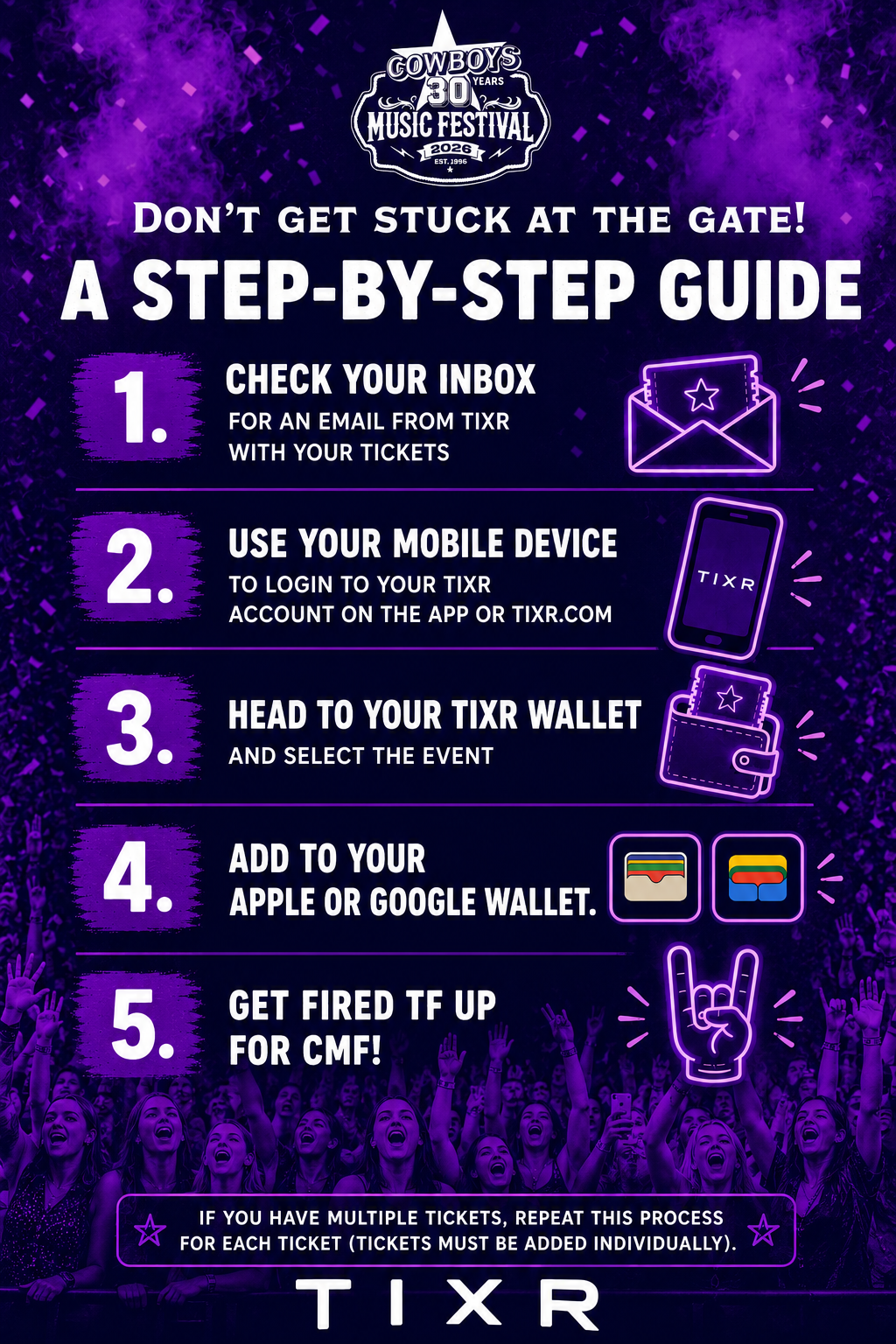
Open the Tixr app or visit tixr.com on your mobile device.
Log in using the email address you used to purchase your tickets.
• Click here for instructions on how to login to Tixr.
• If you logged in via Google, Apple, or Facebook, you’ll need to login that way. Click here for third party login instructions.
Open your Tixr Wallet:
Mobile web browser: Tap your initials in the upper-right corner, then select Wallet.
Tixr app: Tap Wallet in the bottom menu.
Select the event you want to access.
Tap Add to Wallet.
Repeat the process for each ticket in the order.